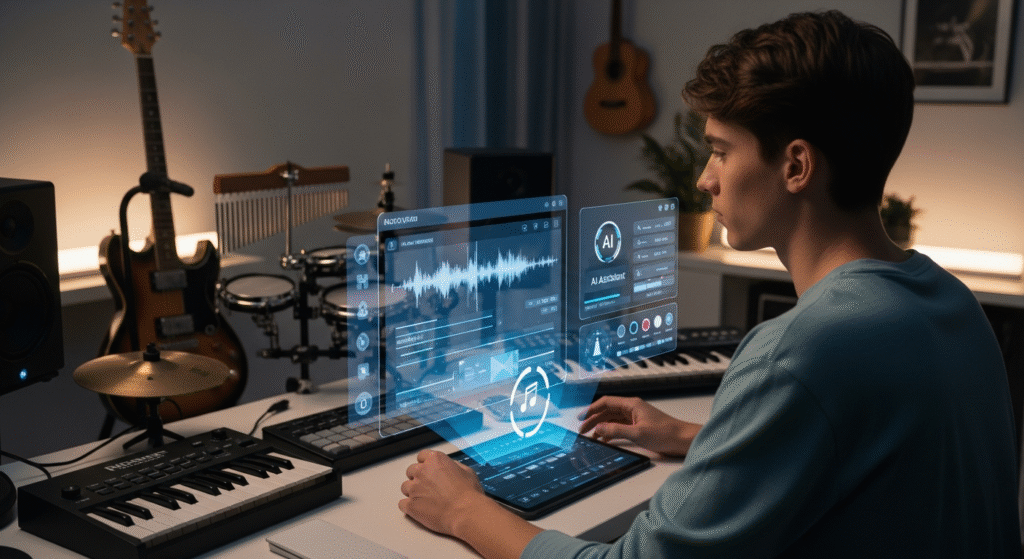
Runway Gen-3 Alpha is redefining cinematic VFX. We break down the new AI video model, how it compares to Gen-2, and what it means for indie filmmakers.
There is a specific, unmistakable adrenaline rush that hits you the first time you type a prompt into an AI video generator and watch a brand-new, cinematic shot materialize out of thin air. It’s not just a blur of pixels anymore. It’s a realistic raindrop hitting a window. It’s the subtle flutter of an actor’s eyelid. It’s a full, sweeping camera movement through an environment that you simply described in a text box.
This is the reality of Runway, the AI video platform that has rapidly become the go-to tool for indie filmmakers, VFX artists, and creative agencies across the United States. With the introduction of Gen-3 Alpha, Runway has pushed the technological needle even further, moving away from abstract “prompt art” and firmly into the territory of professional cinematic pre-visualization and visual effects.
Today, we are going to take a deep dive into the differences between Gen-2 and Gen-3 Alpha. We will look at the practical workflow for integrating these tools into your filmmaking process, and—most importantly—we’ll look at the honest limitations. Because as incredible as this tool is, it still requires a human eye and a human touch to make it truly sing.
The Evolution of the Machine: From Gen-2 to Gen-3 Alpha
To appreciate where we are, we have to glance back at where we came from.
What Made Gen-2 the Breakthrough It Was
When Runway Gen-2 first hit the market, it was a bombshell. It democratized video generation. For the first time, an indie filmmaker could take a still image, upload it to Runway, and watch it come alive with a four-second motion clip. Gen-2 handled stylized animation, abstract motion, and environmental textures reasonably well. It was the tool that taught a generation of directors that AI wasn’t just for still images.
However, Gen-2 had its Achilles’ heel. It struggled with complex physics. It warped faces. And most critically, it could rarely maintain a consistent character across multiple clips, making it hard to use for narrative storytelling.
The “Alpha” Leap: What Makes Gen-3 Different?
Enter Gen-3 Alpha. This isn’t just a software patch; it is a fundamental architectural rebuild. From a technical perspective, Gen-3 Alpha was trained on a far denser, higher-fidelity dataset.
What does that mean for you, the filmmaker? It means temporal consistency. When you generate a 10-second clip of a person walking, their body doesn’t melt into a puddle. When you generate a shot of a car driving through a forest, the shadows actually track correctly across the pavement. The “Alpha” in the name signifies that it is still in an early experimental phase, but the motion quality is currently leagues ahead of its predecessor.
The Cinematic Shift: How Runway is Changing Pre-Visualization
For a working director, Runway isn’t just a fun toy—it is a massive productivity tool.
A Director’s “Sketchbook” in Motion
Imagine you have a script, but you don’t have the money to hire a full storyboard artist. In the past, you would have to draw stick figures on a whiteboard and hope your cinematographer understood your vision.
With Runway Gen-3, you can type: “Cinematic wide shot, a lone figure standing in a vast desert at sunrise, dolly zoom effect.” In under a minute, you have a moving visual reference. It allows you to “scout” your own movie without leaving your desk. This is not just a shortcut; it is a creative accelerant. You can test a hundred different lighting setups before you even call your gaffer.
The “VFX Handover”
In traditional VFX, creating an atmospheric effect—like a snowstorm or a dust cloud—requires complex particle simulation software like Houdini, which takes weeks to learn and days to render. With Runway, you can generate a high-quality, photorealistic snowstorm effect and overlay it onto your live-action footage in post-production. It reduces the post-production pipeline from months to hours.
The VFX Powerhouse: Gen-3’s Heavy Hitters
Let’s get into the specific features that are making VFX artists sit up and take notice.
The “Director Mode”
One of the most requested features for Gen-2 was camera control. Gen-3 Alpha delivers with a sophisticated “Director Mode.” This allows you to explicitly control the camera’s movement—panning left, tilting up, zooming in on a subject. You are no longer at the mercy of the AI deciding the framing for you. This gives directors the ability to match the generated footage to their live-action camera moves perfectly.
Consistency in Character and Style
This is the killer feature for narrative filmmakers. Gen-3 Alpha introduces a tool that allows you to input an “Identity Seed.” You can generate a character, save their facial structure, and then instruct the AI to apply that exact face to multiple different scenes. The character can walk through a forest, sit in a car, and look out of a window—all with the same face, without looking like a morphing nightmare. This opens the door for AI-generated actors in short films.
Inpainting and the “Fix It” Button
In VFX, we call it “rotoscoping”—manually cutting out objects. It is the most tedious job in the industry. Runway’s inpainting tool allows you to brush over an unwanted boom mic, a stray wire, or a garbage can in the background of your shot, and the AI will intelligently fill in the missing background texture. It’s like Photoshop’s Healing Brush, but applied to moving video.
The Honest Truth: Where Gen-3 Still Falls Short
We have to stay grounded here. The marketing is incredible, but as a professional, I have to give you the “Trustworthy” reality check.
The “Uncanny Valley” of Physics
AI video is a predictive engine. It guesses what pixels should come next based on its training data. It does not understand physics.
If you ask Gen-3 to generate a shot of a glass of water falling off a table, there is a high probability the water will flow sideways or the glass will bounce unnaturally. It struggles with dynamic fluid simulations and the interaction of multiple moving bodies. You still need a real VFX artist to bake physics into these AI-generated shots if you want them to look truly professional.
The Question of Resolution and Output
As of now, Gen-3 Alpha is optimized for 1080p output. While it can upscale to 4K, the computational costs are enormous. For a major theatrical release, 1080p just isn’t enough. Directors are currently using Gen-3 to create the vibe of a scene, but they still have to render the final high-res assets in traditional software like Blender or Maya.
The Copyright and Ethical Dilemma
We cannot ignore the elephant in the room. Runway’s training data is pulled from massive databases of public-facing images and videos. The legal landscape around AI-generated art is still incredibly volatile. If you are using Runway for a commercial project, you are walking a legal tightrope. Always check the specific licensing rights of the generated assets, and be aware that companies are still fighting over who truly owns the output of these models.
The Indie Filmmaker’s Workflow: A Practical Guide
So, how do you actually use this in a professional setting right now? Here is the workflow I recommend.
Workflow Step 1: Image to Video
Do not rely purely on text prompts. The best results come from using an AI image generator (like Midjourney or Stable Diffusion) to create a highly detailed, static visual. Then, bring that image into Runway and use the “Image to Video” feature. This gives you 100% control over the composition, color palette, and framing before the motion is added.
Workflow Step 2: The “Clean Up”
Runway will spit out a clip that is mostly good, but it will have artifacts. It will have jittery edges and slight glitches in the background. You bring that clip into DaVinci Resolve or After Effects. Use stabilizer tools to smooth out the camera shake, and use a slight denoise filter to smooth out the pixel defects.
Workflow Step 3: The Audio Sync
AI video models are completely silent. They don’t generate sound effects or dialogue. Do not neglect the audio. Spend your time matching the video to a high-quality Foley track—the crunch of footsteps, the rustle of wind, the hum of an engine. A silent AI video looks like a screensaver; a synced AI video looks like a movie trailer.
The Future of Cinema: Tool or Replacement?
There is a deep, underlying fear among many traditional artists that AI models like Runway will replace them. I want to address this with empathy and honesty.
The Director is Still the Visionary
Runway Gen-3 Alpha is a phenomenal tool, but it is just that: a tool. A chisel does not carve a statue; the sculptor does. The AI cannot make a creative choice. It cannot decide that the lighting should be dramatic because it represents the protagonist’s internal turmoil.
AI can generate the brushstrokes, but it cannot generate the intent. The director is still the soul of the project.
The “Lens” of the Future
What Gen-3 and Gen-2 have done is massively democratize the playing field. A high school student with a laptop and a creative idea can now generate visual effects that used to require a 5-million-dollar studio budget. We are seeing a new wave of experimental, surreal, and deeply artistic short films emerging because of this technology.
Conclusion: We Are Living in the Bronze Age of AI Cinema
Runway Gen-3 Alpha is a monumental step forward for the film industry. It offers incredible camera control, character consistency, and a VFX pipeline that saves indie filmmakers thousands of dollars. But we are still in the “Bronze Age” of this technology. The physics aren’t perfect, the resolution still needs scaling, and the legal battles are far from over.
But here is the exciting part: the technology is not slowing down. Every single week, these models get smarter. If you haven’t touched Runway yet, now is the time. Don’t worry about making a masterpiece on your first try. Just generate a shot. Watch the pixels move. Let that creative dopamine hit you, and start planning your next film.
Now, I want to hear from you. Have you played with Runway Gen-3 Alpha yet? What has been your favorite prompt to generate? Are you using it for final output, or mostly for pre-visualization? Drop your experiences, your wins, and your frustrating AI glitches in the comments below—let’s learn this new technology together!