3D modeling has revolutionized the field of architecture, enabling architects, designers, and planners to visualize, analyze, and communicate their ideas with unprecedented clarity and precision. By creating digital three-dimensional representations of buildings and spaces, professionals can explore design options, detect potential issues early, and present their projects to clients and stakeholders in a more engaging way.
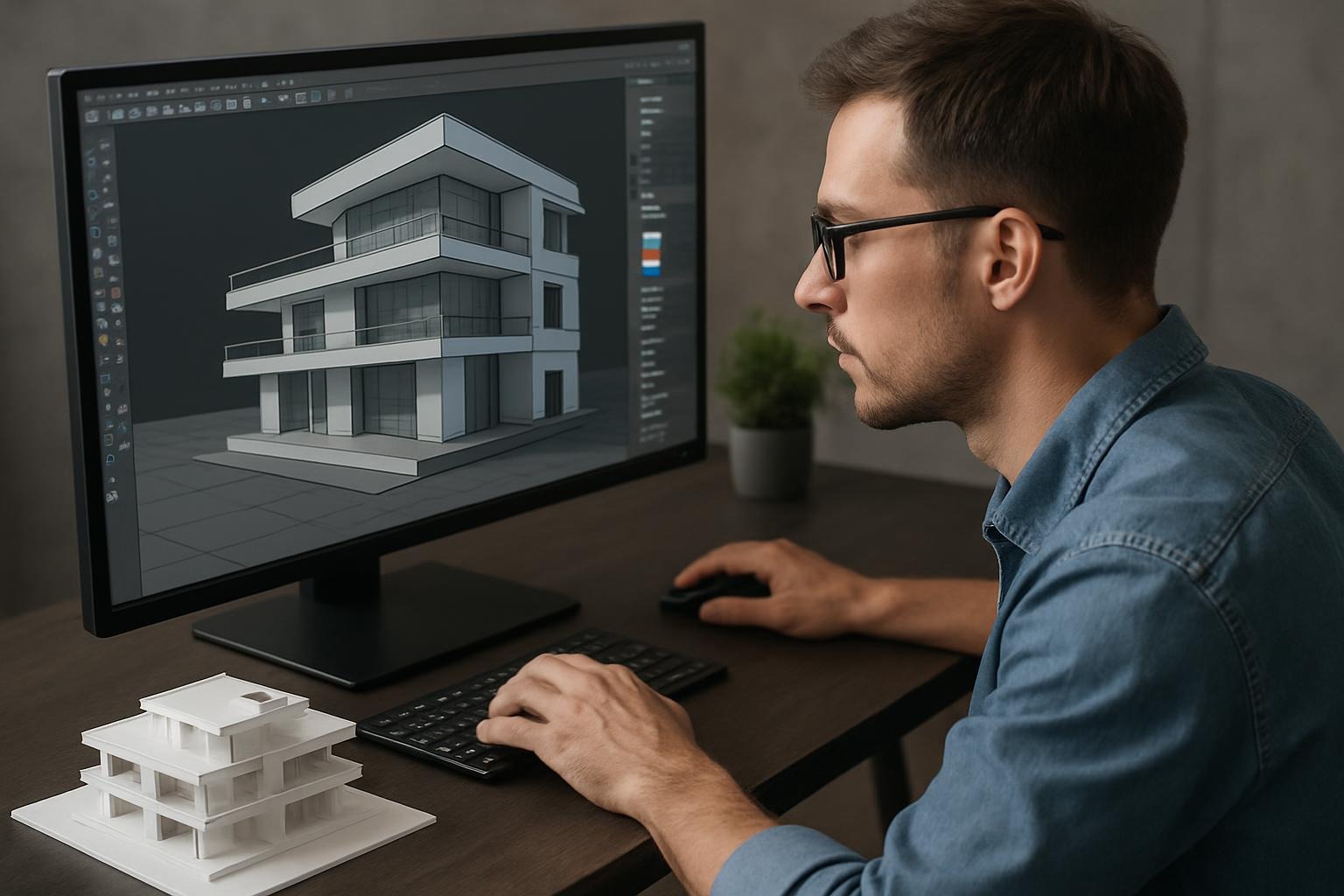
This blog post delves into the essential software and techniques used in 3D modeling for architecture, highlighting their benefits and applications.
The Importance of 3D Modeling in Architecture
Traditional architectural drawings, such as blueprints and sketches, provide valuable information but often lack the spatial context necessary to fully understand a design. 3D modeling bridges this gap by offering:
- Enhanced Visualization: Allows clients and architects to see realistic renderings of the final product.
- Improved Design Accuracy: Helps identify design flaws and conflicts before construction.
- Efficient Collaboration: Facilitates communication among architects, engineers, contractors, and clients.
- Cost and Time Savings: Reduces errors and rework, streamlining the construction process.
Popular 3D Modeling Software for Architecture
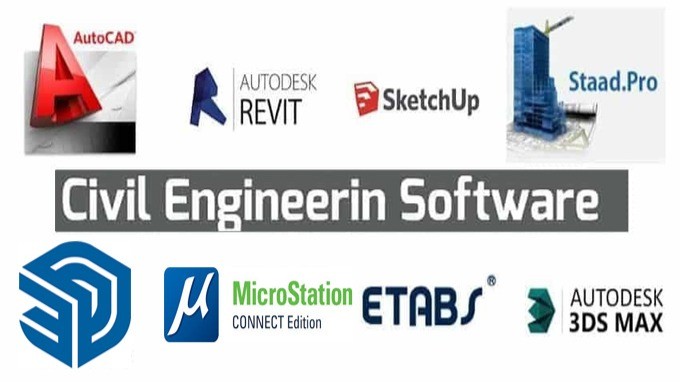
1. AutoCAD
AutoCAD is one of the most widely used software in architecture for 2D and 3D design. It offers precise drafting tools and supports the creation of detailed architectural models. Its versatility and extensive feature set make it a staple in many architectural firms.
2. Revit
Developed by Autodesk, Revit is a Building Information Modeling (BIM) software that goes beyond simple 3D modeling. It integrates architectural design with structural engineering and MEP (mechanical, electrical, plumbing) systems, facilitating a holistic approach to building design.
3. SketchUp
SketchUp is known for its user-friendly interface and quick learning curve. It is excellent for conceptual design and early-stage visualization. With an extensive library of plugins and 3D models, SketchUp is ideal for architects seeking rapid prototyping.
4. Rhino
Rhino specializes in freeform and complex surface modeling, making it suitable for projects requiring organic shapes and intricate details. It is frequently used alongside Grasshopper, a visual programming language for parametric design.
5. 3ds Max
3ds Max excels in high-quality rendering and animation. Architects often use it to create photorealistic images and walkthroughs, helping clients experience the space before construction begins.
Techniques in 3D Modeling for Architecture
Parametric Modeling
Parametric modeling involves creating models based on parameters and rules. Changes to one parameter automatically update the model, allowing for efficient exploration of design variations. Tools like Grasshopper for Rhino enable parametric workflows.
BIM (Building Information Modeling)
BIM integrates geometry with data, linking architectural models to material specifications, cost estimates, and construction schedules. This approach enhances coordination and reduces risks during the building lifecycle.
Photogrammetry and Laser Scanning
These techniques capture real-world environments and convert them into accurate 3D models. They are particularly useful for renovation projects, site analysis, and preserving historical architecture.
Rendering and Visualization
Advanced rendering techniques add textures, lighting, and shadows to 3D models, producing realistic images. Visualization helps in client presentations and marketing by showcasing the design in its intended environment.
Virtual Reality (VR) and Augmented Reality (AR)
VR and AR technologies enable immersive experiences, allowing users to walk through and interact with virtual architectural spaces. These tools enhance understanding and decision-making.
Conclusion
3D modeling has become indispensable in modern architecture, offering powerful tools and techniques that improve design quality, communication, and project outcomes. By mastering software like Revit, SketchUp, and Rhino, and adopting approaches such as parametric modeling and BIM, architects can push the boundaries of creativity and efficiency. As technology continues to evolve, the integration of VR, AR, and AI promises to further transform architectural practice, making 3D modeling an exciting and dynamic field to watch.
Further Resources
- Autodesk Revit official website: https://www.autodesk.com/products/revit/overview
- SketchUp tutorials: https://learn.sketchup.com/
- Rhino and Grasshopper resources: https://www.rhino3d.com/
- Introduction to BIM: https://www.bimforum.org/
Explore these resources to deepen your understanding and enhance your architectural 3D modeling skills!